
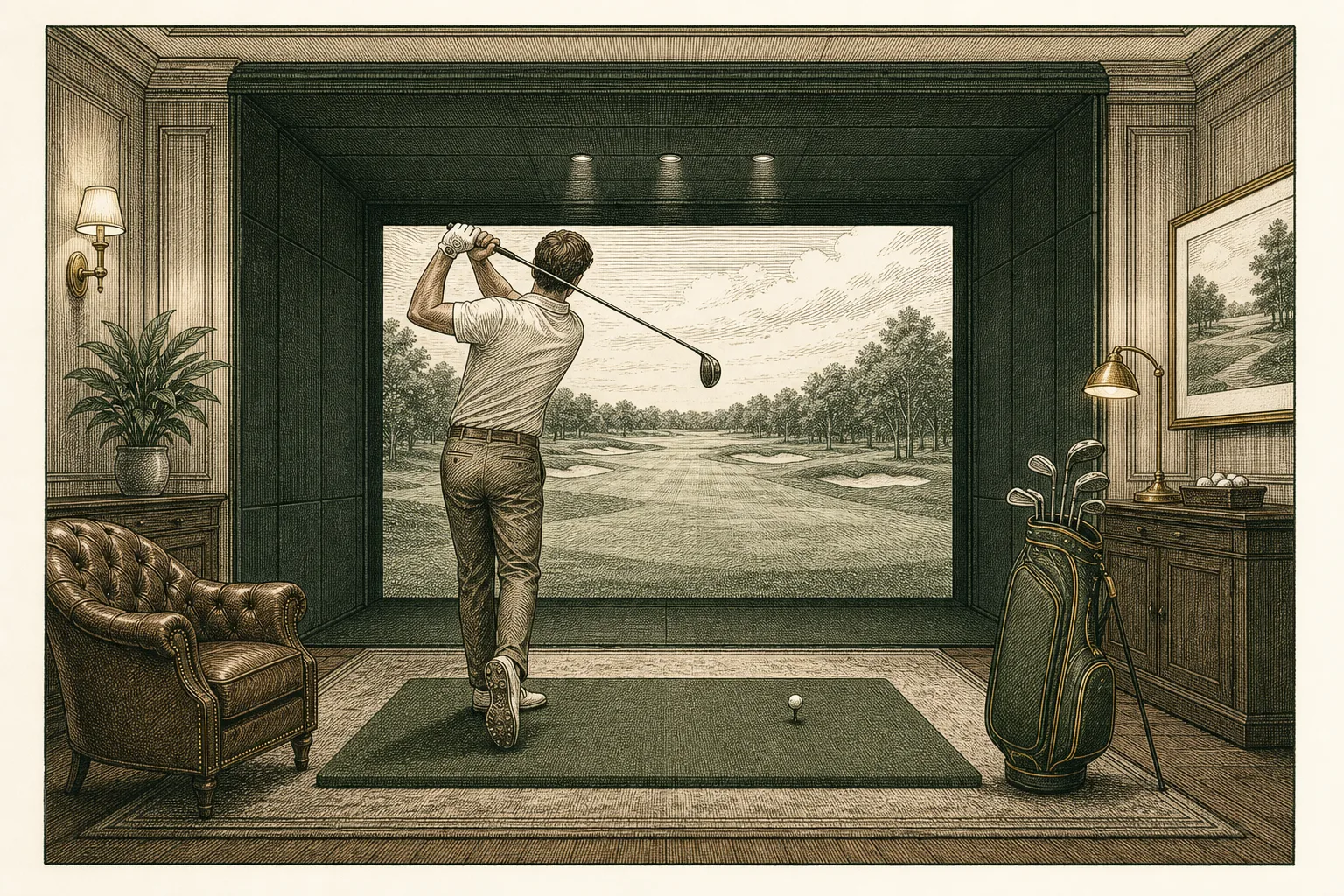
You walk into the bay and there it is: a huge screen with a golf hole on it, a little black box sitting near the hitting area, and a sidebar full of numbers you've never seen before. Take a breath. Within about three swings this will all make sense, and within thirty minutes you'll understand why a lot of golfers now do most of their learning indoors.
Here's the honest pitch before we get into the details: a sim bay is the single most forgiving, most informative place in golf to be a beginner. Nobody is waiting behind you. No ball is ever lost. And unlike the driving range, the screen tells you the truth about every shot.
What the launch monitor actually is
The black box (or overhead unit, depending on the bay) is a launch monitor. Its whole job is to watch the club and the ball in the split second around impact — using radar or high-speed cameras — and then compute where the ball would have gone in the real world. The simulator software draws the flight on screen; the monitor supplies the physics.
That's the key mental shift for a first-timer: the flight you see on the screen isn't an animation someone guessed at. It's calculated from real measurements of your ball leaving your clubface. Hit a slice, you'll see a slice. Flush one, you'll see it fly.
The sidebar of numbers is that same data written out. A typical readout shows eight or ten metrics, and honestly, most of them are noise on day one. Here are the only three you need:
- Carry distance. How far the ball flew in the air before landing. This is the most useful number in golf, because carry is what determines whether you clear the water, reach the green, or fly the bunker. Most golfers who've only ever played outdoors genuinely don't know their carry distances — they know a fuzzy "total" from watching balls bounce and roll. The sim hands you the real answer on every swing.
- Ball speed. How fast the ball left the face, in mph. This is the engine of distance — as a rough rule with a driver, each extra 1 mph of ball speed is worth about two yards of carry. A recreational golfer might be anywhere from 110 to 145 mph with driver, and every one of those numbers is fine. It's a baseline, not a grade.
- Direction. Usually shown as "offline" (yards left or right of target) or just visible from the shot trace. Left, right, how much. That's it.
Everything else — smash factor, launch angle, spin rate, club path, face angle — is real and useful, but it's chapter two. When you're curious, the ball speed and smash factor and reading data like a fitter articles pick up exactly where this one leaves off.
Why the sim is the best classroom in golf
Strong opinion, honestly held: if you're new, a sim bay beats a driving range for learning, and it's not particularly close. Three reasons.
Nothing is ever lost. On a course, a bad swing costs you a ball, a penalty stroke, and a walk into the palmettos. That price tag makes beginners tense, and tense golfers can't learn. In the bay, the worst possible shot costs you nothing. Hit it dead sideways into the virtual trees, tap the mulligan button, and swing again. The freedom to fail cheaply is exactly what a new golfer needs, and it's the one thing outdoor golf refuses to give you.
Instant, honest feedback. At a range you watch a limited-flight range ball sail into the distance and squint: was that 150? 170? Did it fade or was that the wind? The launch monitor ends the guessing. Every swing produces a number, and numbers don't flatter you. That feedback loop — swing, see the result, adjust, swing again — is how humans actually get better at physical skills, and the sim tightens the loop to seconds. It's also why practicing indoors pairs so well with a plan; the practicing with intent article is the natural next read once the novelty wears off.
Conditions never interfere. It's Wesley Chapel. From June through September the outdoor options are a heat index of 105 or an afternoon lightning delay. The bay is 72 degrees year-round, and your session starts the minute you walk in — no cart, no waiting on the group ahead, no half your hour spent getting to the tee.
Every course on earth (very nearly)
Our bays run GSPro, simulator software known for two things: ball physics accurate enough that good players trust it, and a community of course designers who have built more than a thousand playable courses, many of them recreated from lidar terrain data of the real properties. That means famous venues you'd otherwise need a lottery win or a member sponsor to play — you can tee it up on them tonight, in sneakers.
For a first visit, though, here's the honest advice: don't start on a monster. Pick something short and friendly, or skip course play entirely and use the practice range mode, which gives you a virtual driving range with all the same data. Play the famous stuff on visit three, when you can enjoy it. (When you're ready, the GSPro greats article is our tour of the courses worth queuing up.)
How a session at Clubhouse actually flows
No mystery, no hazing. Here's the shape of it:
- Book a bay online, show up a few minutes early. Bring your own clubs if you have them; if you don't, ask — you won't be the first person to hit their literal first golf shot in one of our bays, and we'd rather you swing a borrowed 7-iron than not swing at all.
- Tee up on the hitting turf. You'll hit real balls off a turf mat into the impact screen. Yes, hitting the screen is the point. It's built for it.
- Warm up in range mode. Ten or fifteen swings with a mid-iron. Watch your carry number settle into a range. That number is gold — remember it.
- Then play. Pick a course, pick your tees (choose the forward ones — this is a judgment-free zone and pace matters even indoors), and play holes. The software handles scoring, distances, even gimme putts inside a few feet. Mulligans are a button. Use it without shame.
- Ask for help. Staff can set up the bay, switch courses, and adjust settings. And if the numbers make you curious about your swing, that's precisely what coaching with Pat is for — a lesson in the same bay, with the same data, means nothing gets lost in translation.
One session tip that saves everyone's first hour: resist the urge to hit driver forty times in a row. Driver is the hardest club in the bag to hit, and grooving frustration isn't practice. Spend most of your first session with a 7-, 8-, or 9-iron, get the feeling of solid contact, and let the screen show you what "solid" produces.
What to ignore, and what to remember
Ignore, for now: spin rate, launch angle, club path, attack angle, smash factor, and the temptation to compare your numbers with anyone else's. Those metrics all matter eventually — some of them will matter a lot when you get fit for clubs — but on day one they're static.
Remember: your 7-iron carry number, roughly which direction your misses go, and the fact that every single shot you hit in the bay was measured honestly and cost you nothing. That combination — truth plus zero consequences — is why the sim bay is where golfers are made now.
Book an hour. Bring a friend or don't. The screen doesn't judge, and neither do we.
Related reading: Ball Speed, Club Speed, and Smash Factor · How to Practice With Intent · Playing the Great Courses in GSPro (Tonight) · Reading Your Shot Data Like a Fitter

Golf Balls: What You Should Actually Play
You can spend $600 on a new driver and gain four yards. Or you can spend $35 on the right dozen golf balls and change how every single shot behaves — off the tee, into the green, and on those little pitches that decide whether you make bogey or double. The ball is the only piece of equipment you use on literally every stroke, and it's the cheapest thing in your bag to get right. Most golfers never think about it. Here's what's actually going on inside that little sphere, and what you should really be playing.